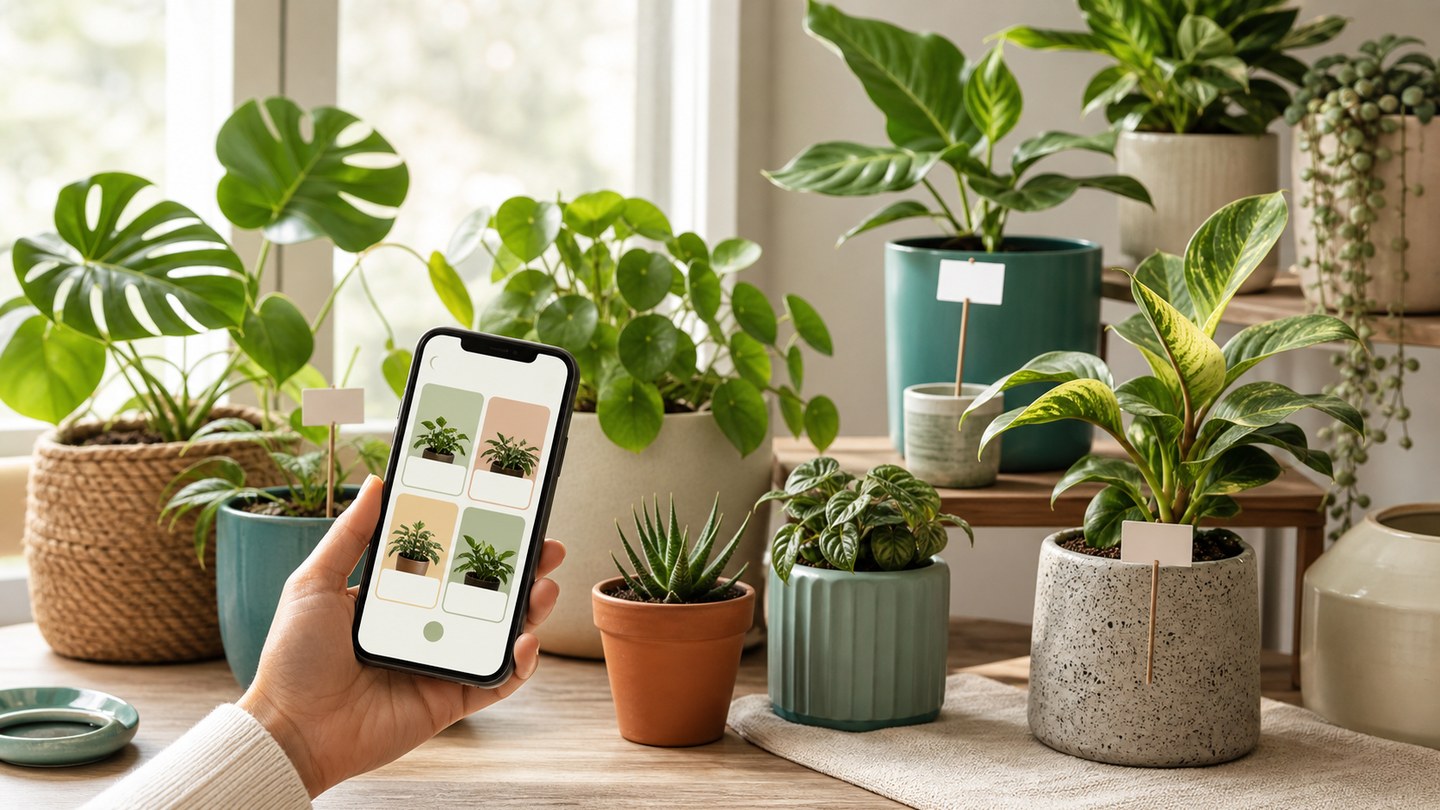
Build your plant collection in Planture
Use My Plants and Plantures to keep identified plants, wish list plants, rooms, and care groups organized.
Plant identification is most useful when the result has somewhere to live afterward. Planture lets you save plants into My Plants and organize them into Plantures, which are custom collections for the way your space actually works.
What belongs in My Plants
Save plants you own, plants you are caring for, and plants you want to remember. Each saved plant can carry useful context such as care details, reminders, and history.
Create practical Plantures
Collections work best when they match your routine. Try grouping plants by:
- Room, such as kitchen, living room, or office
- Light condition, such as bright indirect or low light
- Care rhythm, such as weekly watering
- Wishlist, for plants you want to buy or identify later
Move plants when your setup changes
Plant collections are flexible. If you move a plant to a new room or create a better grouping, move it to another Planture and keep the care record with it.
Use collections with reminders
Collections make reminders easier to scan. If all balcony plants need similar care, you can review them together and keep your routine from feeling scattered.