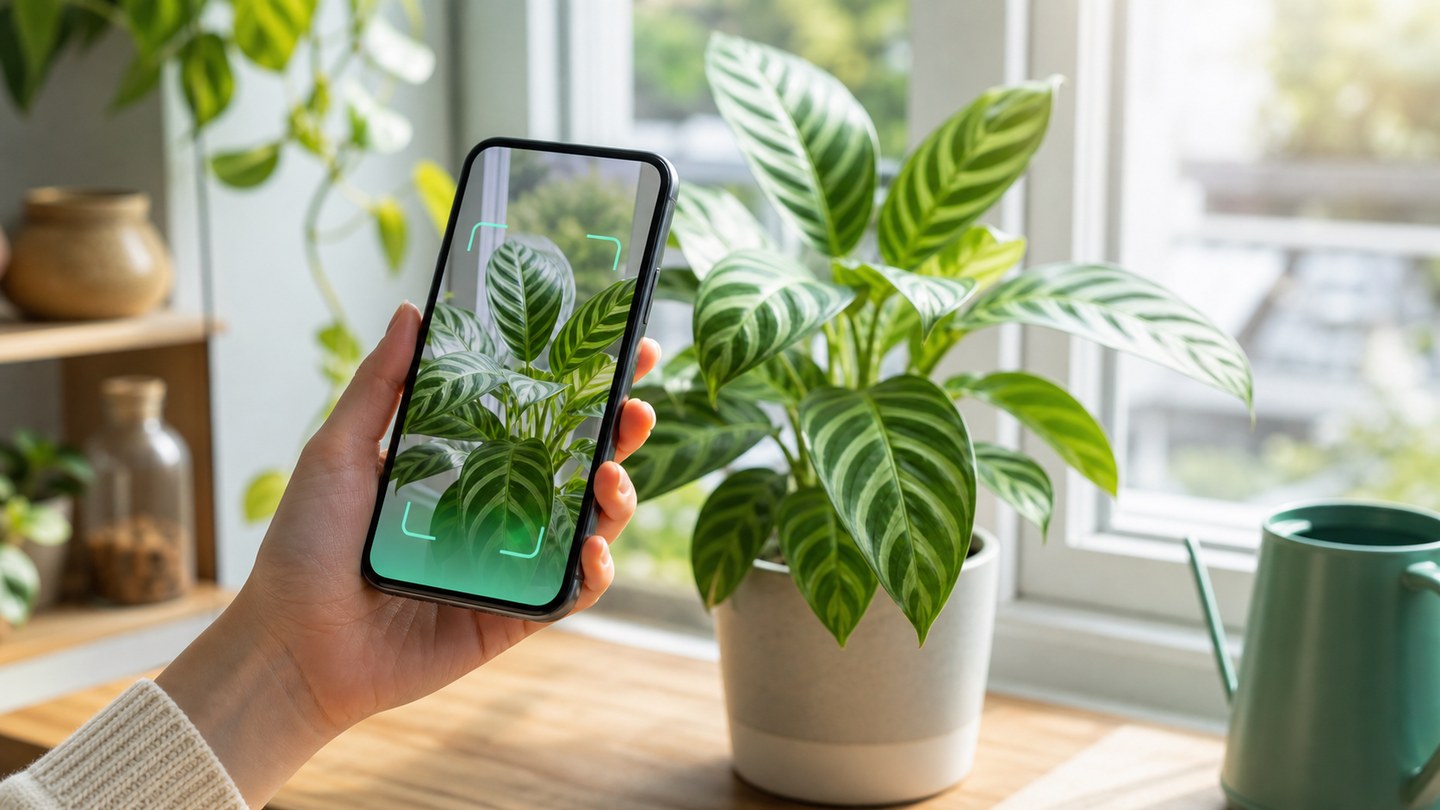
How to identify plants with Planture
Tips for getting better plant identification results from camera, gallery, and search inside Planture.
Planture helps you identify plants from a photo, then keeps the result useful with care information and collections. The scan flow is simple, but a few small habits can make your results easier to trust.
Choose the right input
Use the camera when the plant is in front of you. Use the gallery when you already have a good photo. Use search by name when you know part of the name and want to browse the plant library directly.
Take a clearer plant photo
Try to include the most recognizable parts of the plant:
- Leaves with visible shape and texture
- Flowers, fruit, or stems when available
- Enough distance to show the growth pattern
- Good light without heavy blur or shadows
If Planture cannot identify a plant in the photo, take another image closer to the plant and make sure the frame is not filled with background objects.
Save the result
Once you find the right plant, open the details page and add it to My Plants. You can save it to a collection such as living room, balcony, wishlist, or any Planture collection you create.
What to check after identification
Do not stop at the name. Review the care profile for light, watering, soil, size, and care difficulty. These details help you place the plant in a better spot and choose a care routine that fits the species.