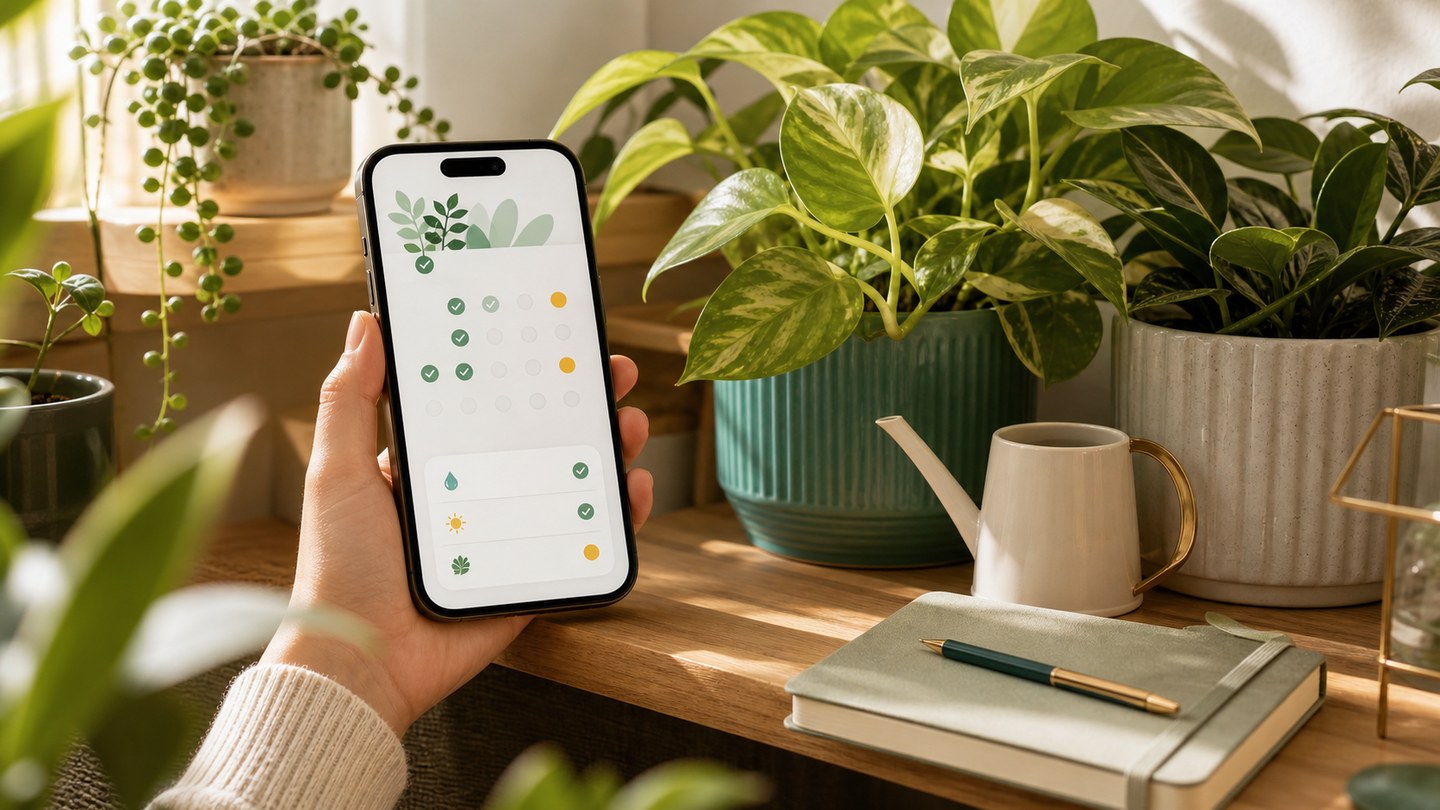
Set plant care reminders that fit real life
A guide to using Planture reminders for watering and care tasks without turning plant care into noise.
The best plant reminder is the one you can actually follow. Planture reminders are built to keep care visible without making the app feel loud or complicated.
Start with the plant profile
Before setting a reminder, review the plant care details. Watering, light, soil, and care difficulty can all shape how often a plant needs attention.
Choose a rhythm
Planture supports common reminder patterns such as every few days, every few weeks, monthly, seasonal care, and custom schedules. Pick the rhythm that matches the plant and your environment, then adjust when you learn more.
Use time of day
Set reminders for a moment you can act on: morning, noon, evening, or a custom time. A reminder is more useful when it appears at a time you are near your plants.
Review progress
The Reminders tab shows what is due, what is overdue, and what is completed today. Completed care becomes part of your plant history so your routine gets easier to understand over time.
Keep notifications intentional
If notifications are off, Planture can still save the reminder, but it cannot alert you at the right moment. Turn notifications on when you want reminders to actively reach you.