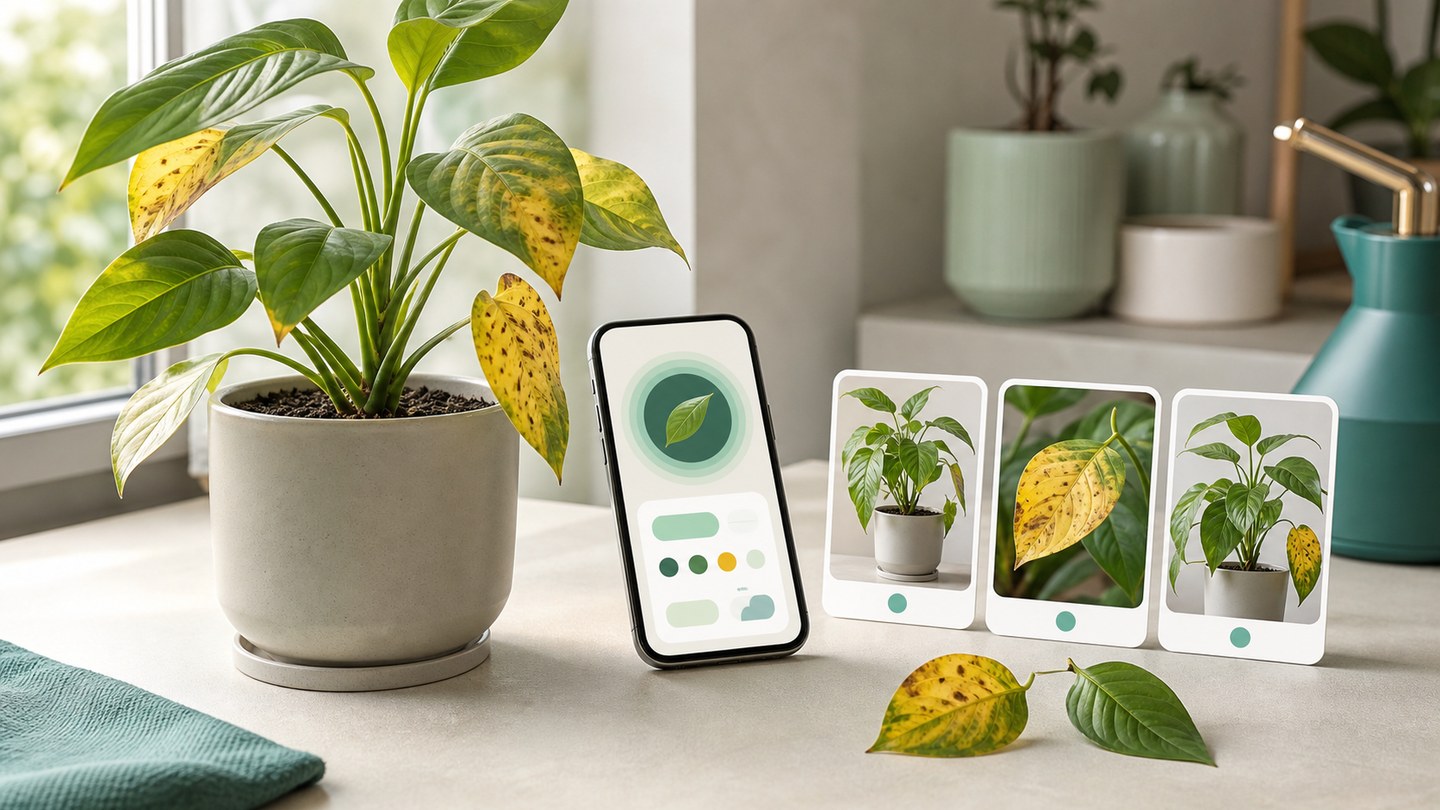
How to scan a sick plant in Planture
A simple guide to Planture Diagnose, including the three photos that help the app assess visible plant symptoms.
When a plant looks unhealthy, one close-up photo is often not enough. Planture Diagnose asks for a few angles so the app can understand the symptom in context.
Take three useful photos
Planture guides you through three shots:
- Whole plant, so the overall shape and condition are visible.
- Affected leaves, so the symptom is close and clear.
- Different angle, so the same issue can be seen from another side.
Use natural or bright indirect light when possible. Avoid filters and heavy shadows.
Read the result as guidance
Diagnosis results can point you toward likely issues and care actions. Planture may show whether the plant looks healthy or whether issues were detected, then organize care guidance into treatment and prevention areas.
Use treatment notes carefully
The result may include biological treatment, chemical treatment, and prevention notes. Start with the least disruptive care changes when appropriate, watch how the plant responds, and seek professional help for severe or uncertain cases.
Keep a history
Saving diagnosis and care history helps you notice patterns. If the same issue returns, your previous scans and notes can make the next decision easier.