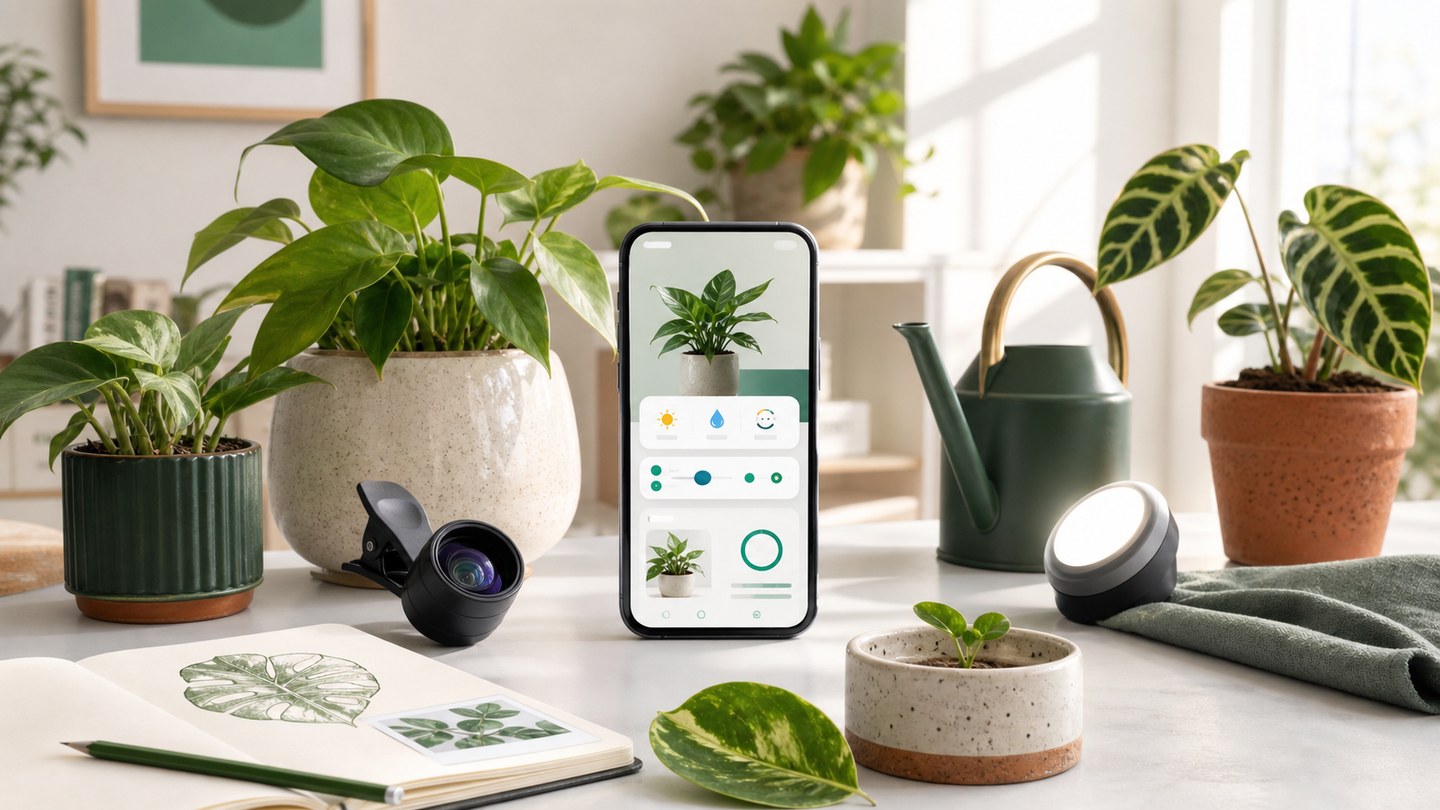
Planture care tools: identify, measure, remember
A practical tour of Planture tools for plant identification, AI Botanist, care reminders, diagnosis, and light, water, and pot checks.
Planture is designed for the full plant care loop, not just the moment you take a photo. A scan can help you identify a plant, but the real value comes from turning that discovery into useful care details, reminders, and a record you can return to later.
Start with Plant ID
Use Plant ID when you find a plant you do not know. You can take a photo with the camera, choose one from your gallery, or search by name when you already have a clue. A clear photo with leaves, flowers, or other distinctive details usually gives the app more context to work with.
Review care details
After identification, open the plant profile and review the overview, care difficulty, light condition, watering needs, soil guidance, size, and potting notes. Save plants you own into My Plants so the information stays close to your routine.
Use the care tools
Planture includes tools for common care questions:
- Light Meter helps you understand how bright a spot is.
- Water Meter helps you think through watering needs.
- Pot Meter helps you review pot fit and repotting decisions.
- AI Botanist gives conversational help when the situation needs more context.
These tools are most useful when paired with the plant profile instead of used as one-off checks.
Keep care on schedule
Reminders turn good intentions into a visible care habit. Set watering or care reminders, choose how often they repeat, and let Planture keep upcoming tasks in one place. Over time, your completed reminders and scans become a useful care history.
Diagnose when something looks wrong
If your plant shows symptoms, use Diagnose instead of guessing from one photo. Capture the whole plant, the affected leaves, and a second angle. Planture can then organize the result into likely issues, treatment options, and prevention notes.