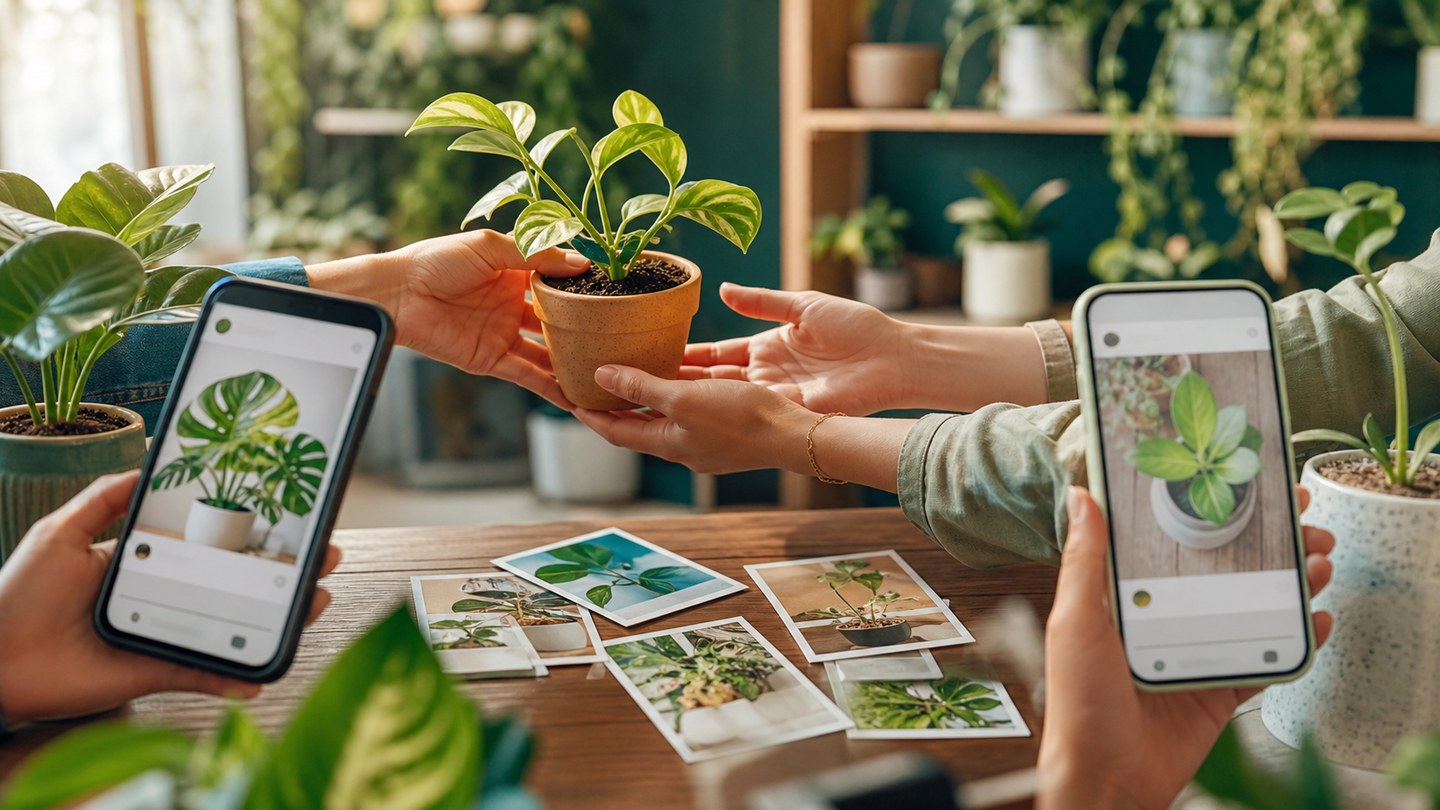
Share your plant journey with the Planture community
Use Planture social features to post plant updates, follow other plant lovers, save favorites, and learn from shared care moments.
Plant care gets easier when you can learn from other people. Planture includes social features for sharing your plants, saving ideas, and following plant lovers whose spaces inspire you.
Post useful updates
Share a new plant, a care milestone, a diagnosis recovery, or a before-and-after moment. Posts are most helpful when they include what changed and what care step made a difference.
Follow and save
Follow plant lovers whose collections match your interests. Save favorite posts when you want to return to a care idea, plant placement, or styling reference later.
Ask better community questions
When asking for advice, include the plant name, light conditions, watering rhythm, pot details, and a clear photo. That gives other people enough context to help.
Keep care personal
Community tips are a starting point. Your plant's exact light, soil, pot, and room conditions still matter, so combine shared advice with the care details and tools inside Planture.